
# Bang Navigator - A Privacy-Focused Browser for Kagi
Welcome to the GitHub repository of Bang Navigator, a privacy-centric search and research browser designed to enhance your mobile search experience while ensuring your personal data and identity remains secure during research. Built with Flutter, Bang Navigator offers a seamless and intuitive interface across both Android and iOS devices, integrating the powerful tools of Kagi Search Engine.
## Features
Bang Navigator is packed with a variety of features aimed at improving usability and maintaining privacy:
- **Cross-Platform Support**: Developed using Flutter, ensuring a consistent and smooth experience on both Android and iOS.
- **Native Browser Engine**: Utilizes the native browser engine of the device for optimal performance and compatibility.
- **Privacy by Default**: Incognito mode is enabled by default to keep your searches and browsing history private.
- **Full Browser Functionality**: Includes all the essential features of a basic browser to browse the web efficiently.
- **Kagi Integration**: Seamlessly integrates Kagi's search, assistant, and summarizer tools within a user-friendly interface.
- **Easy Sharing**: Share URLs or text from any app directly into Bang Navigator without the need to copy and paste, for direct use with summarizer/assistant.
- **Quick Summarization**: Long press any link on a website to get a summary via Kagi's summarizer.
- **Enhanced Text Interaction**: Custom context menu allows for easy passage of marked text to Kagi's search or assistant tools.
- **Home Widget**: Includes a home screen widget for quick actions, enhancing productivity.
- **Speech Input**: Supports voice commands for hands-free operation and accessibility.
- **PDF processing**: Open and directly summarize/prompt PDF documents.
## Notice: Seeking Test Users for App Launch on Google Play
Hello everyone,
I am excited to announce that I am in the final stages of developing my new app and am preparing to launch it on Google Play. However, to meet the new testing requirements introduced by Google for personal developer accounts created after November 13, 2023, I need your help!
### Why I Need Testers
Google's new policy requires that developers run a closed test with at least 20 testers who have been opted-in for at least 14 days continuously before the app can be published to the production track on Google Play. This testing phase is crucial to ensure the app's quality, functionality, and user experience.
### How You Can Help
If you are interested in being a part of this testing phase, please follow these steps:
1. **Send Your Google Account Email**: Email the Google account email address you use for Google Play to oss@movenext.me so I can add you to the testing group.
2. **Opt-in to the Closed Test**: Once added, you will receive an invitation to join the closed testing group.
3. **Use the App**: Download and use the app regularly for at least 14 days.
4. **Provide Feedback**: Share any issues, bugs, or suggestions for improvement.
### Benefits of Being a Tester
- **Early Access**: Be among the first to use the app and explore its features.
- **Influence Development**: Your feedback will directly impact the final version of the app.
- **Exclusive Updates**: Receive updates and new features before they are released to the public.
### How to Join
Please send the email address of your Google account to oss@movenext.me to express your interest in joining the closed testing group. Your participation is greatly appreciated and will help ensure a successful launch on Google Play.
Thank you for your support!
## Getting Started
To get started with Bang Navigator, simply grab the latest [release](https://github.com/FaFre/bang_navigator/releases) matching your device architecture (most probably ARM 64), which is either armeabi-v7a (ARM 32-bit), arm64-v8a (ARM 64-bit), or x86-64 (x86 64-bit).
For now, there are only Android builds provided.
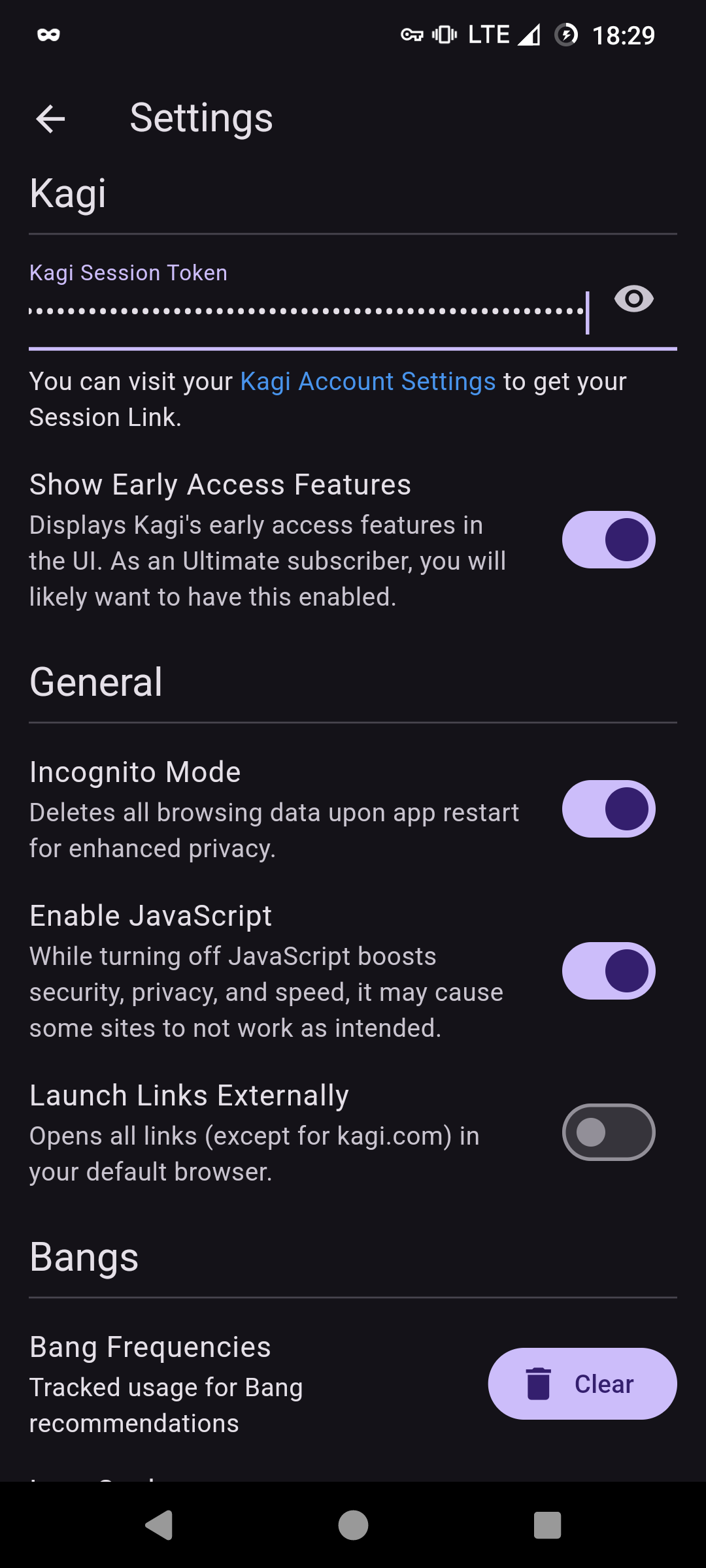
Install the app, then obtain your Session Link (see [Kagi's Docs](https://help.kagi.com/kagi/privacy/private-browser-sessions.html#obtaining-a-session-link) for details), and paste the link into the field on the settings page.
 ## Quickstart guide
### Kagi Tools
## Quickstart guide
### Kagi Tools
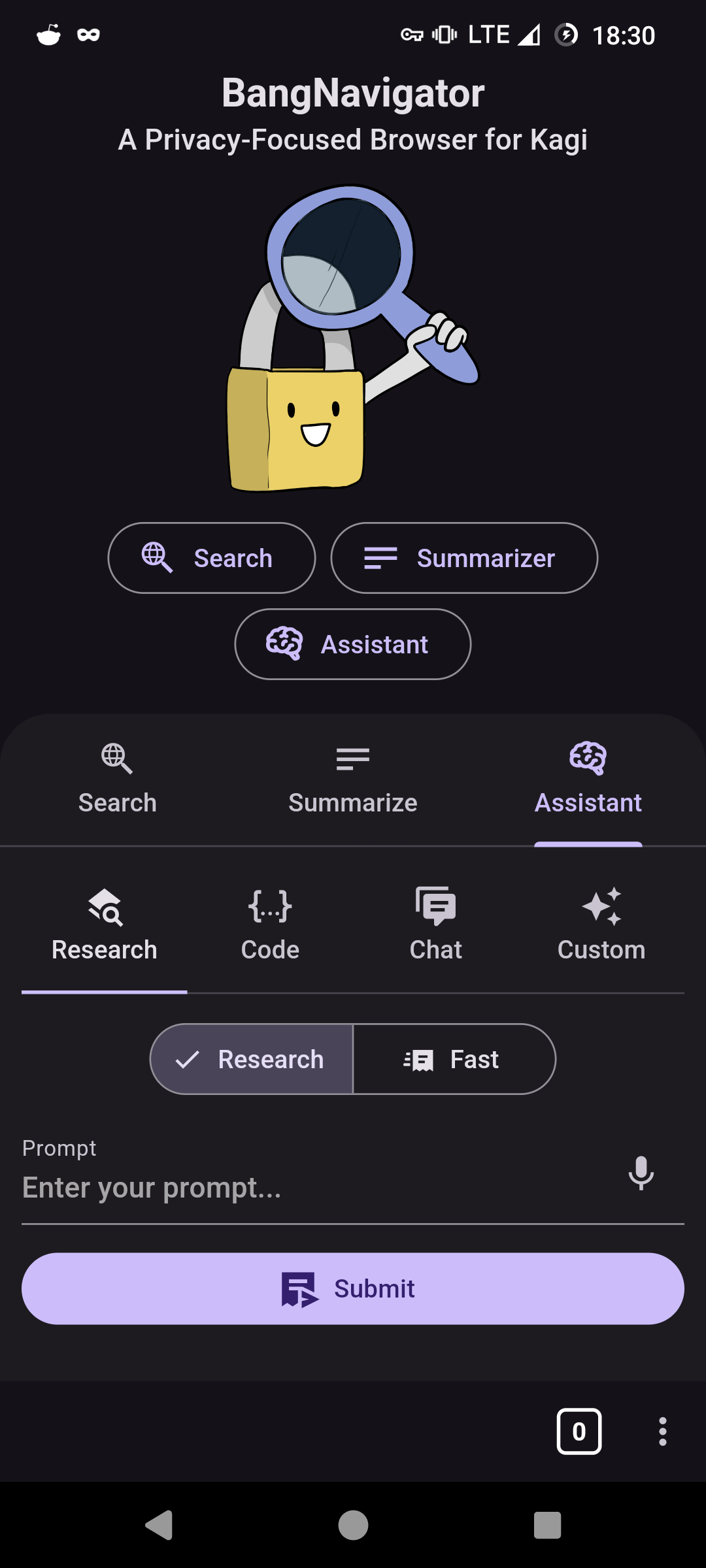 Access Kagi's comprehensive suite of tools directly through the three-dots menu or seamlessly integrate content by sharing it from another app. This feature allows for a fluid transition between your external content and Kagi's powerful search and assistant functionalities.
### Home Widget
Access Kagi's comprehensive suite of tools directly through the three-dots menu or seamlessly integrate content by sharing it from another app. This feature allows for a fluid transition between your external content and Kagi's powerful search and assistant functionalities.
### Home Widget
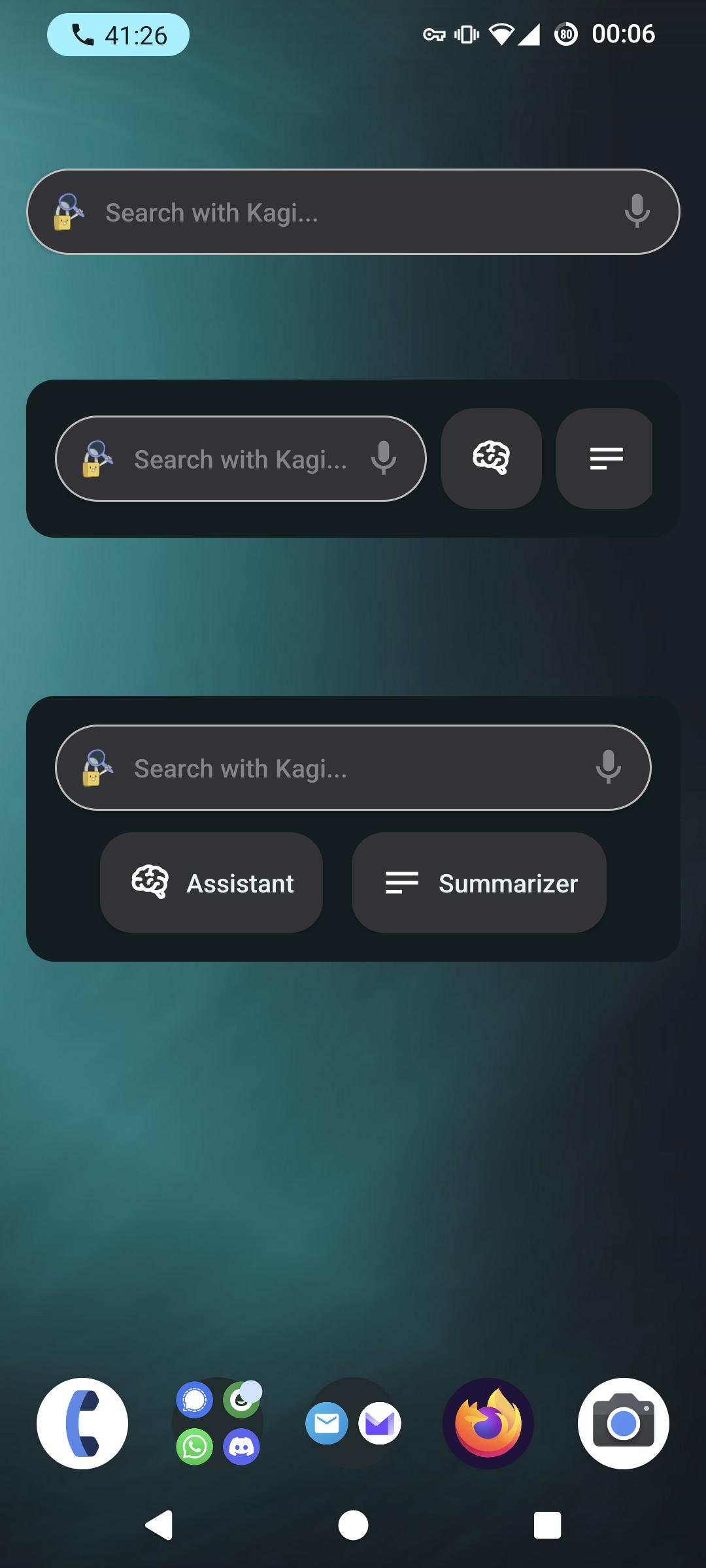 The Home Widget provides quick access to key features right from your home screen.
### Highlight
The Home Widget provides quick access to key features right from your home screen.
### Highlight
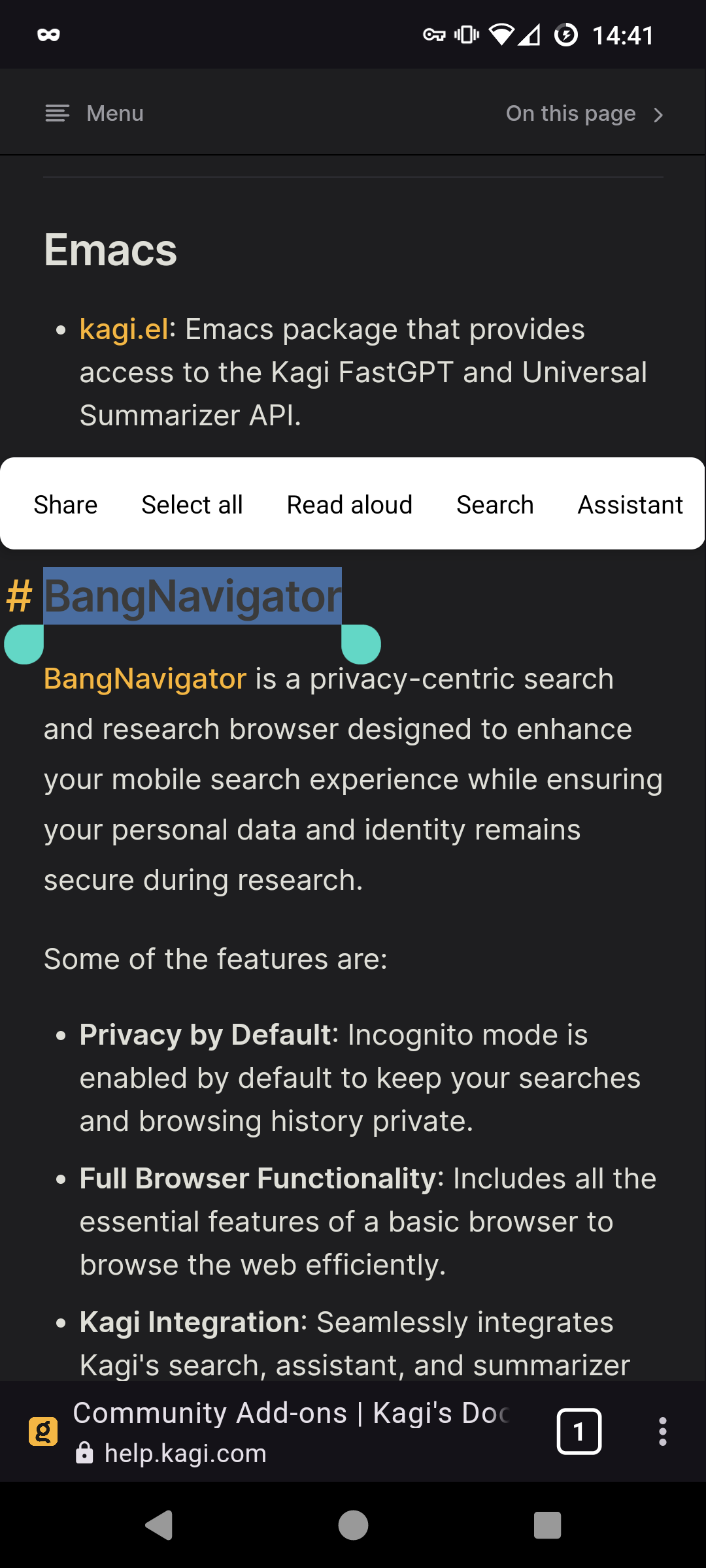 Easily highlight text within Bang Navigator to instantly search or generate prompts. This feature simplifies the process of querying or interacting with text-based content on the web.
### Tabs
Easily highlight text within Bang Navigator to instantly search or generate prompts. This feature simplifies the process of querying or interacting with text-based content on the web.
### Tabs
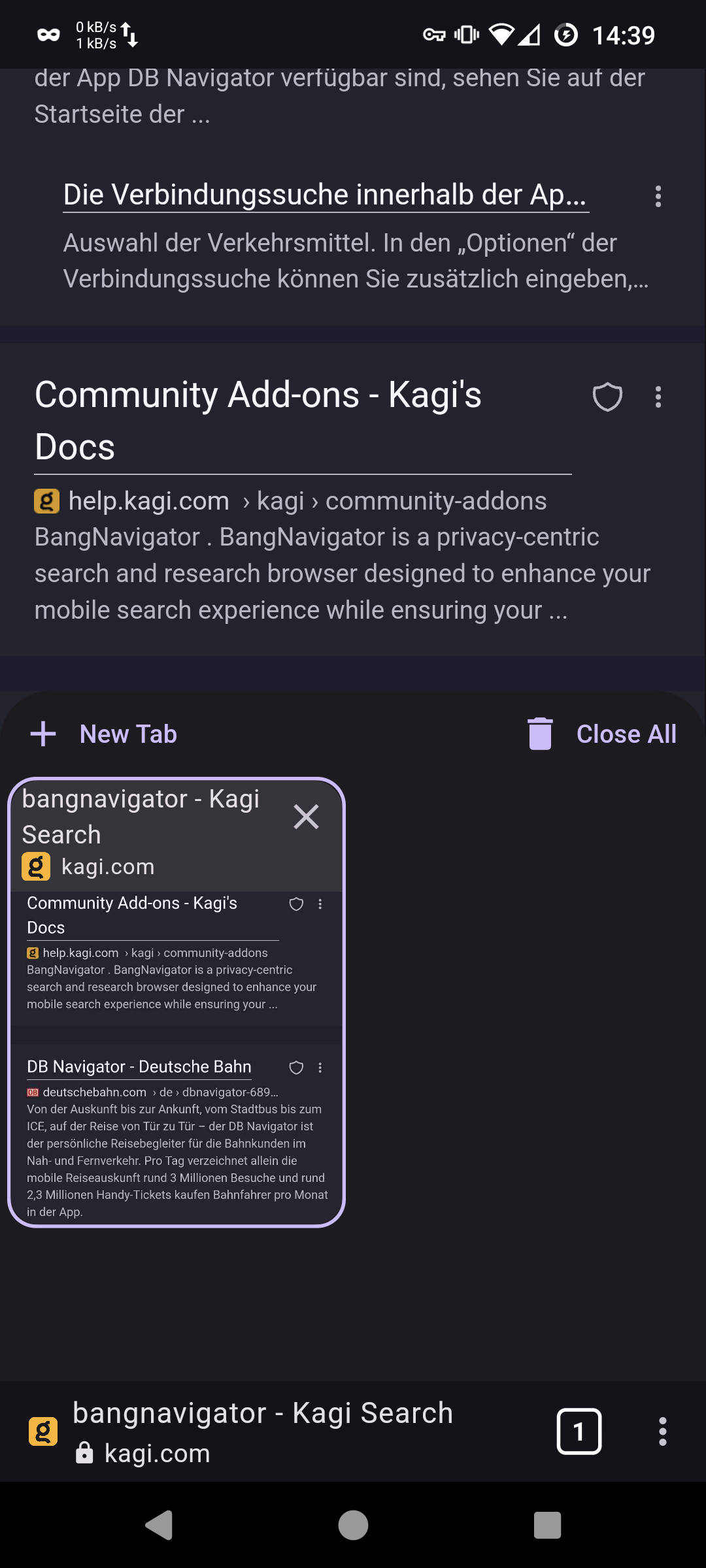 Manage multiple browsing sessions effortlessly with the tabbed browsing feature.
### Link Actions
Manage multiple browsing sessions effortlessly with the tabbed browsing feature.
### Link Actions
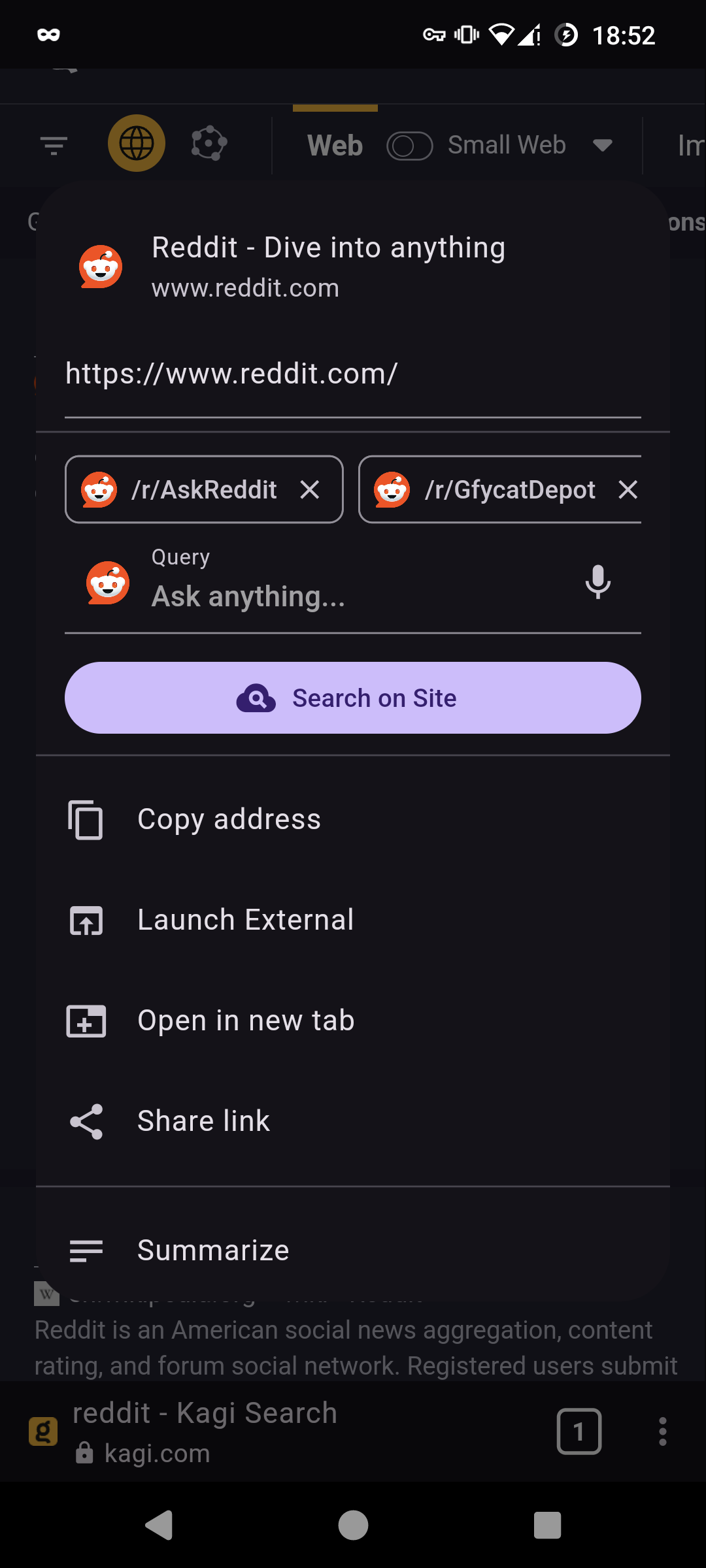 Interact with links through long-press or by tapping on the title to open a context-specific actions menu. This feature enhances navigation efficiency and provides quick access to a range of options like direct summarization or sharing.