# Bang Navigator - A Privacy-Focused Browser for Kagi
Welcome to the GitHub repository of Bang Navigator, a privacy-centric search and research browser designed to enhance your mobile search experience while ensuring your personal data and identity remains secure. Built with Flutter, Bang Navigator offers a seamless and intuitive interface across both Android and iOS devices, integrating the powerful tools of Kagi Search Engine.
## Features
Bang Navigator is packed with a variety of features aimed at improving usability and maintaining privacy:
- **Cross-Platform Support**: Developed using Flutter, ensuring a consistent and smooth experience on both Android and iOS.
- **Native Browser Engine**: Utilizes the native browser engine of the device for optimal performance and compatibility.
- **Privacy by Default**: Incognito mode is enabled by default to keep your searches and browsing history private.
- **Full Browser Functionality**: Includes all the essential features of a basic browser to browse the web efficiently.
- **Kagi Integration**: Seamlessly integrates Kagi's search, assistant, and summarizer tools within a user-friendly interface.
- **Easy Sharing**: Share URLs or text from any app directly into Bang Navigator without the need to copy and paste, for direct use with summarizer/assistant.
- **Quick Summarization**: Long press any link on a website to get a summary via Kagi's summarizer.
- **Enhanced Text Interaction**: Custom context menu allows for easy passage of marked text to Kagi's search or assistant tools.
- **Home Widget**: Includes a home screen widget for quick actions, enhancing productivity.
- **Speech Input**: Supports voice commands for hands-free operation and accessibility.
## Getting Started
To get started with Bang Navigator, simply grab the latest [release](https://github.com/FaFre/bang_navigator/releases).
For now, there are only Android builds provided.
Then obtain your Session Link (see [Kagi's Docs](https://help.kagi.com/kagi/privacy/private-browser-sessions.html#obtaining-a-session-link) for details), and paste the link into the field on the settings page.
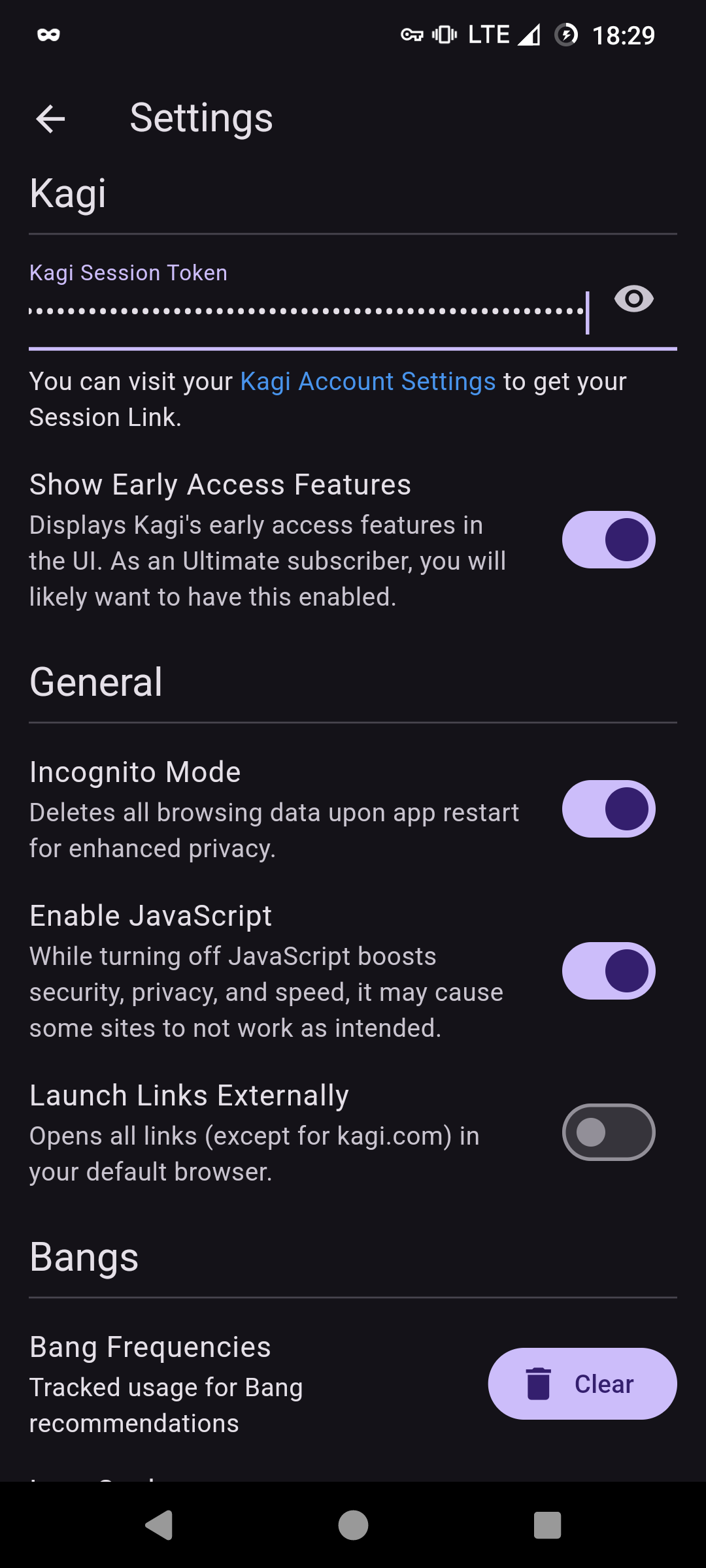 ## Quickstart guide
### Kagi Tools
## Quickstart guide
### Kagi Tools
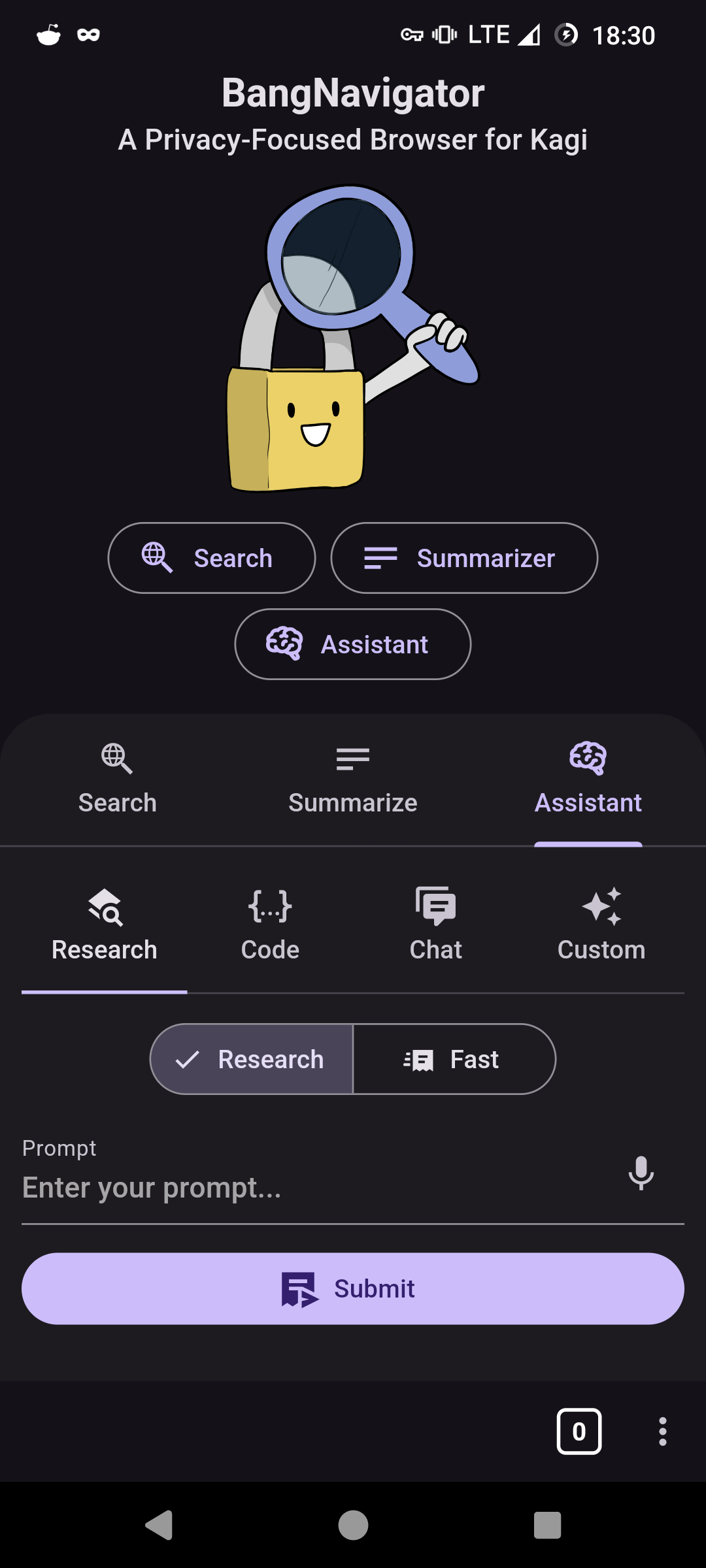 Access Kagi's comprehensive suite of tools directly through the three-dots menu or seamlessly integrate content by sharing it from another app. This feature allows for a fluid transition between your external content and Kagi's powerful search and assistant functionalities.
### Home Widget
Access Kagi's comprehensive suite of tools directly through the three-dots menu or seamlessly integrate content by sharing it from another app. This feature allows for a fluid transition between your external content and Kagi's powerful search and assistant functionalities.
### Home Widget
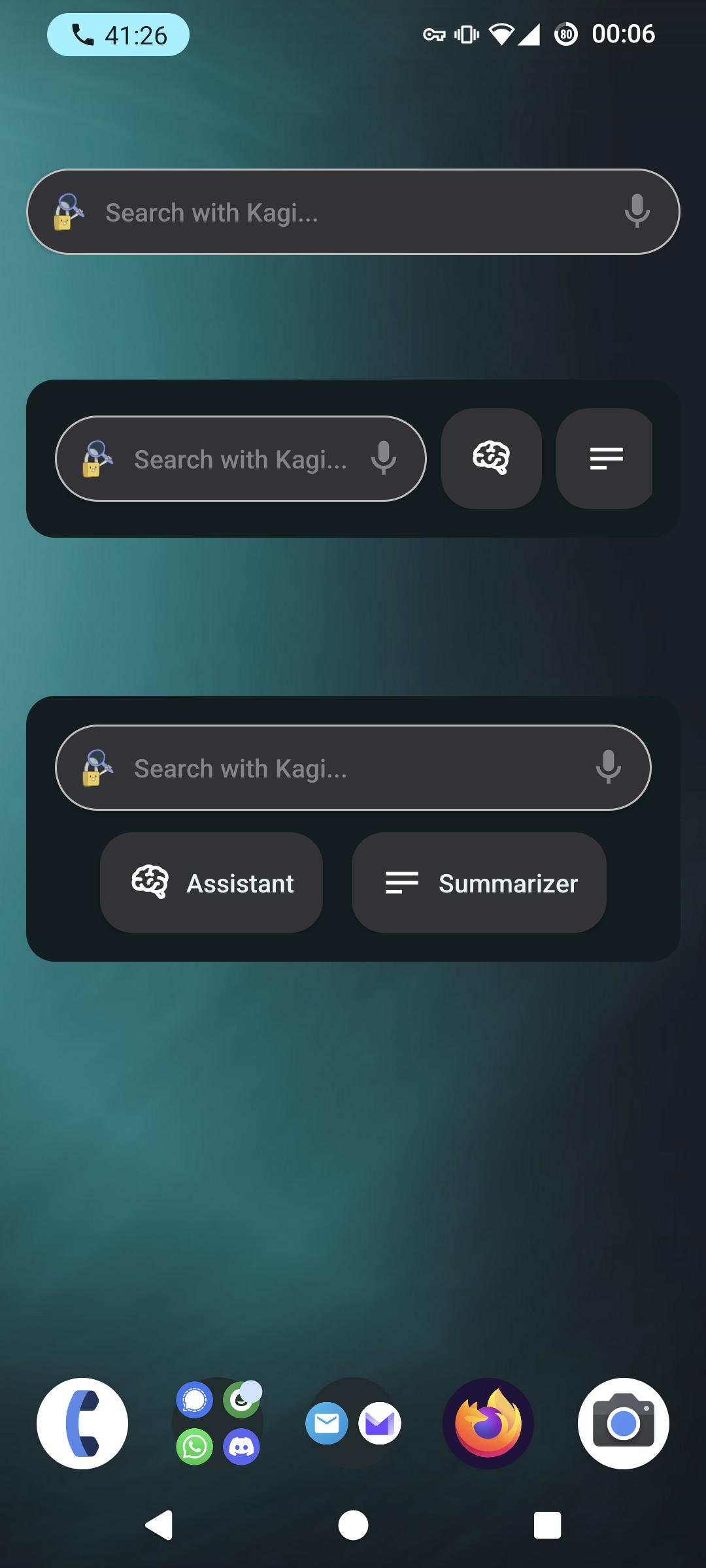 The Home Widget provides quick access to key features right from your home screen.
### Highlight
The Home Widget provides quick access to key features right from your home screen.
### Highlight
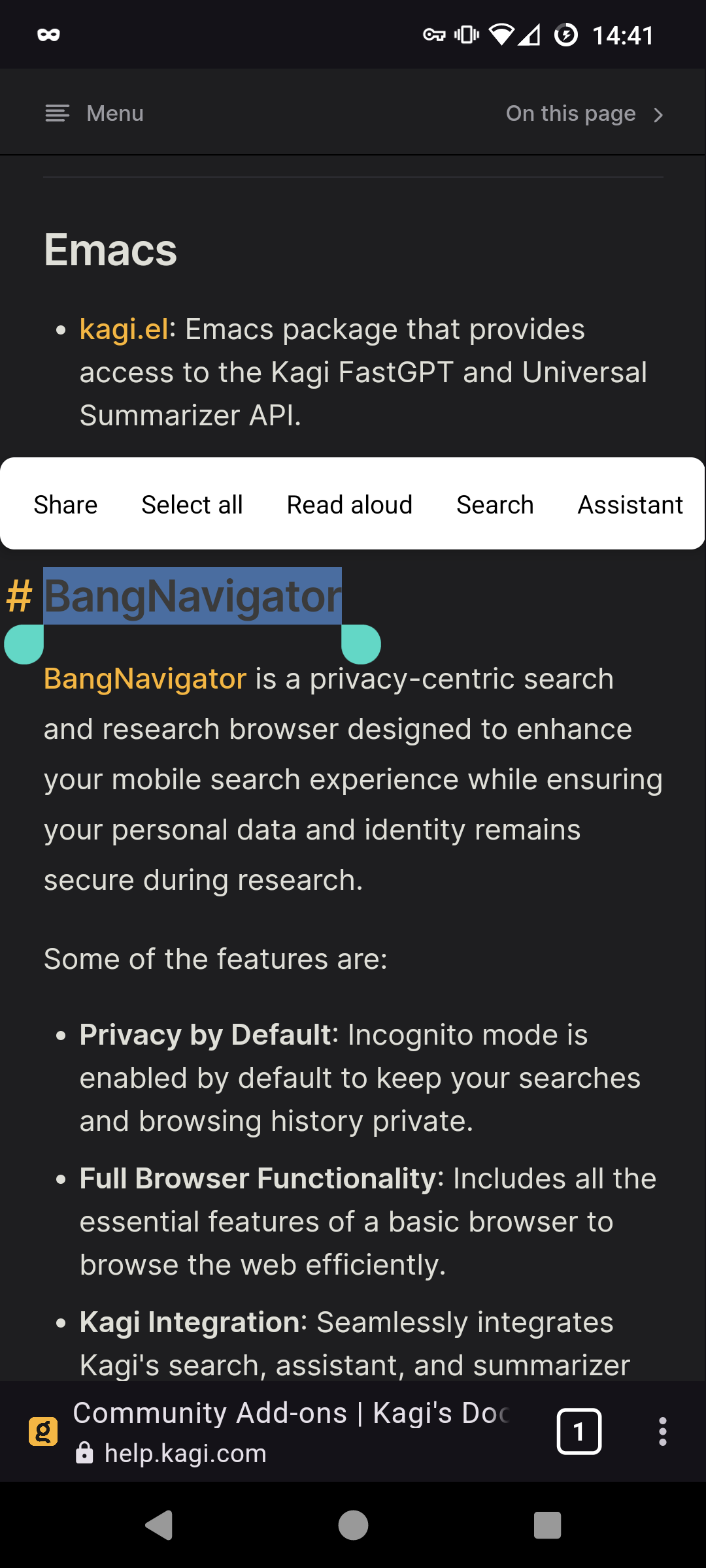 Easily highlight text within Bang Navigator to instantly search or generate prompts. This feature simplifies the process of querying or interacting with text-based content on the web.
### Tabs
Easily highlight text within Bang Navigator to instantly search or generate prompts. This feature simplifies the process of querying or interacting with text-based content on the web.
### Tabs
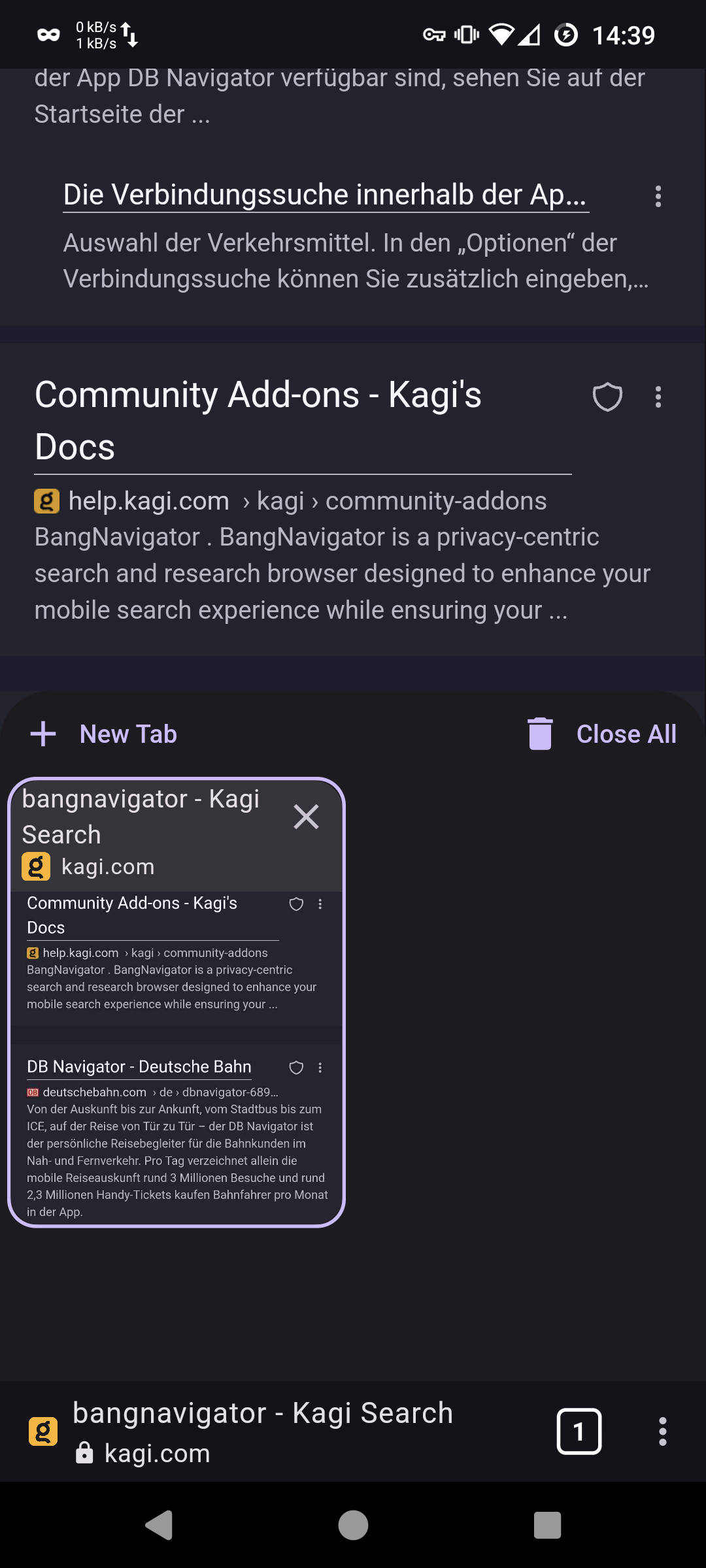 Manage multiple browsing sessions effortlessly with the tabbed browsing feature.
### Link Actions
Manage multiple browsing sessions effortlessly with the tabbed browsing feature.
### Link Actions
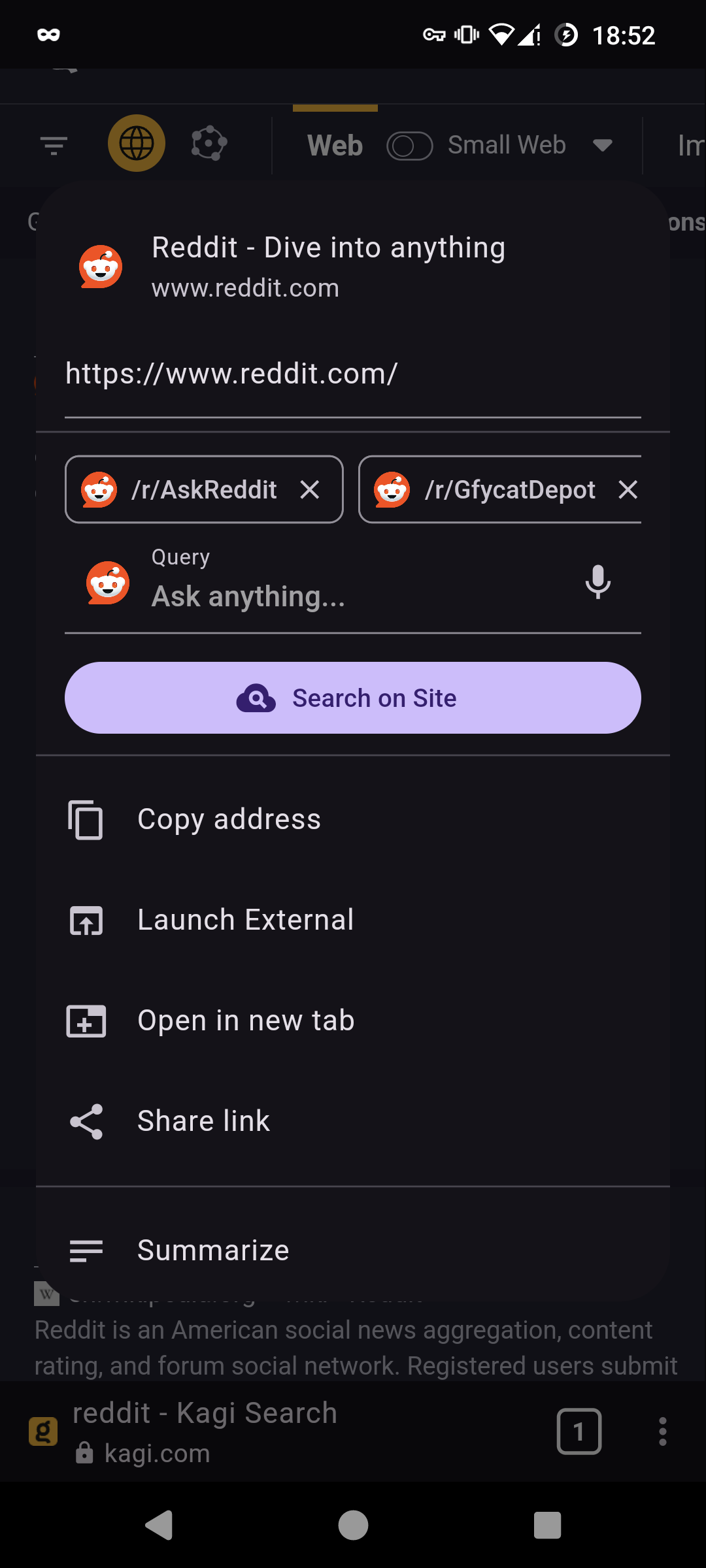 Interact with links through long-press or by tapping on the title to open a context-specific actions menu. This feature enhances navigation efficiency and provides quick access to a range of options like direct summarization or sharing.